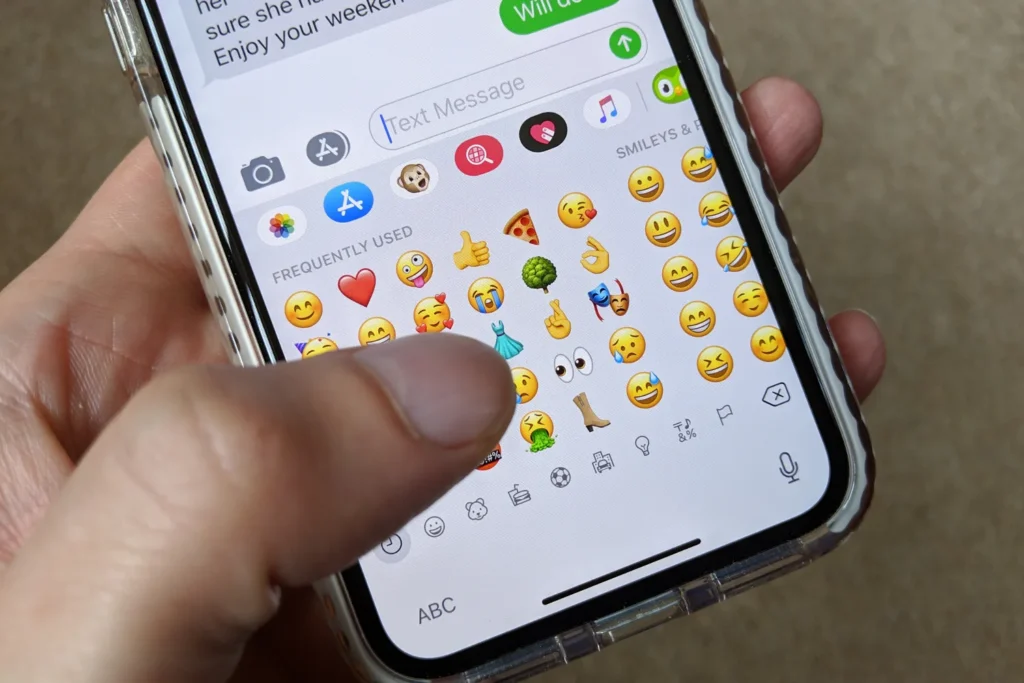
If you’re tired of seeing emojis every time you type on your iPhone, you’re not alone. Many users prefer a cleaner keyboard layout without emoji suggestions or the emoji keyboard itself. In this guide, you’ll learn how to remove emojis from the iPhone keyboard completely step by step.
Why Remove the Emoji Keyboard on iPhone?
While emojis make texting fun, they can sometimes be distracting or unnecessary. Some users want a minimalist typing experience or need to disable emojis for professional reasons. Removing the emoji keyboard is quick and reversible anytime you want.
Step-by-Step: How to Delete Emoji Keyboard on iPhone
Follow these steps to turn off or delete emojis from your iPhone keyboard:
- Open Settings
Go to the Settings app on your iPhone. - Tap on “General”
Scroll down and select General. - Select “Keyboard”
Next, tap Keyboard to see all installed keyboards. - Tap “Keyboards” Again
You’ll see a list of all keyboards currently active on your device. - Remove the Emoji Keyboard
Tap Edit in the top-right corner, then tap the red minus (-) icon next to Emoji.
Finally, tap Delete or Remove to confirm.
That’s it! The emoji keyboard will no longer appear when you type.
How to Re-Add the Emoji Keyboard (If You Change Your Mind)
If you decide you want emojis back, simply follow these steps:
- Go to Settings > General > Keyboard > Keyboards
- Tap Add New Keyboard…
- Choose Emoji from the list
Your emoji keyboard will instantly return.
Bonus Tip: Disable Emoji Suggestions in Predictive Text
If you just want to hide emoji suggestions (but keep emojis available), you can turn off the predictive feature:
- Go to Settings > General > Keyboard
- Toggle Predictive to Off
This will stop emoji recommendations from appearing while typing.
Conclusion
Removing emojis from your iPhone keyboard is simple and takes less than a minute. Whether you want a distraction-free typing experience or a professional-looking text interface, turning off the emoji keyboard gives you exactly that.
If you ever change your mind, re-adding the emoji keyboard is just as easy!