In today’s fast-paced digital world, your laptop is more than just a device it’s an essential tool for work, entertainment, and staying connected. However, without proper laptop maintenance, even the best models can suffer from reduced performance, overheating, or premature failure. Learning how to care for your laptop can extend its lifespan to 5-7 years or more, saving you money and frustration.
This comprehensive guide covers proven laptop care tips to keep your device running smoothly. Whether you own a Windows PC, MacBook, or gaming laptop, these practices will help prevent common issues like dust buildup, battery degradation, and software glitches.
1. Clean Your Laptop Regularly to Prevent Dust Buildup
Dust is one of the biggest enemies of laptops, as it clogs vents and causes overheating.
- Use a soft microfiber cloth for the screen and exterior.
- Employ compressed air or a small brush for the keyboard and ports.
- Clean vents every 3-6 months to maintain airflow.
- Avoid liquids near components; use isopropyl alcohol on a cloth for stubborn stains.
Regular cleaning not only improves performance but also keeps your laptop hygienic.
2. Avoid Overheating Key to Laptop Longevity
Overheating can damage internal components like the CPU and GPU, leading to throttling or hardware failure.
- Always place your laptop on a hard, flat surface never on a bed or lap for extended periods.
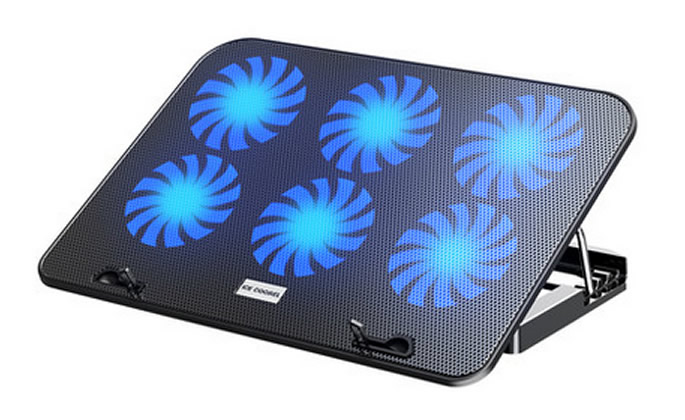
- Use a cooling pad for gaming or video editing.
- Monitor temperatures with free tools like HWMonitor or Core Temp.
- Elevate the laptop slightly for better airflow.
Pro tip: Undervolt your CPU (safely) or limit heavy tasks to reduce heat generation.
3. Best Practices for Laptop Battery Care
Modern lithium-ion batteries last longer with smart charging habits.
- Keep battery charge between 20-80% for optimal health.
- Unplug when fully charged if using it plugged in most of the time.
- Calibrate the battery occasionally by fully discharging and recharging.
- Enable battery saver modes and avoid extreme temperatures.
These habits can preserve up to 80% of original battery capacity after years of use.
4. Update Software and Drivers Regularly
Outdated software leads to security vulnerabilities and poor performance.
- Set automatic updates for Windows/macOS.
- Update drivers from official manufacturer sites (e.g., NVIDIA, Intel).
- Install reputable antivirus and scan regularly.
- Uninstall unused programs to free up resources.

5. Ergonomic Setup and Safe Storage
Protect your laptop physically and use it comfortably.
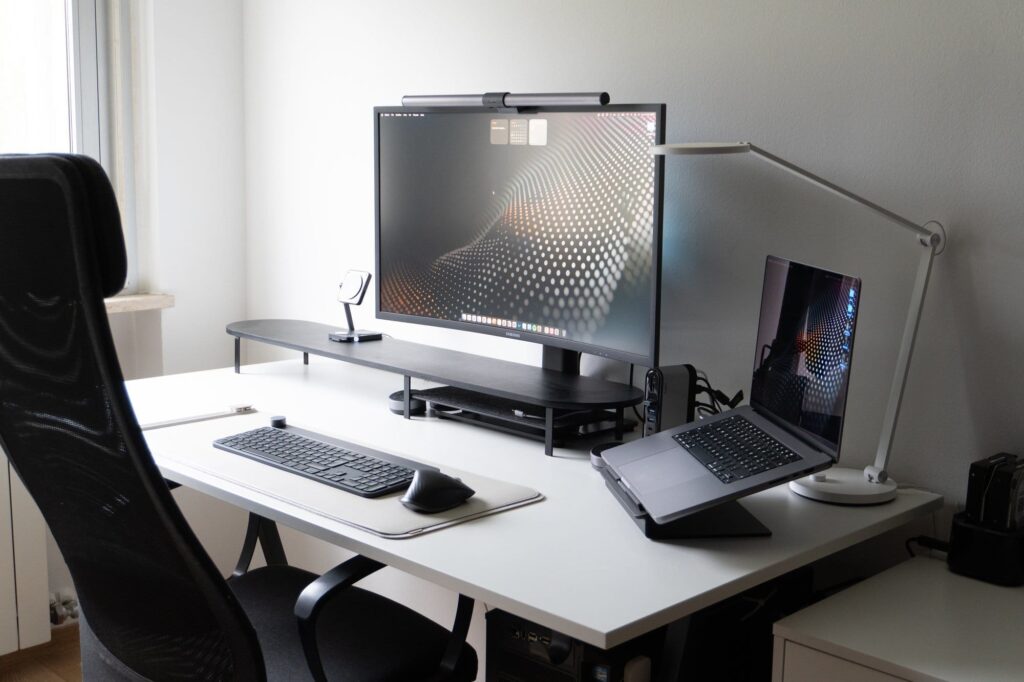
- Use an external keyboard and mouse for prolonged work.
- Position the screen at eye level.
- Store in a padded sleeve or bag when traveling.
Make Laptop Maintenance a Habit
By following these laptop maintenance tips, you’ll enjoy faster performance, fewer repairs, and a longer device life. Start small clean today and update tomorrow and your laptop will thank you.
Have questions about specific models or issues? Share in the comments below! For more tech tips, bookmark this page and stay tuned for updates in 2025.